




NEW YORK, Aug 10 — You’re going on vacation to a place where you don’t know the language, and English isn’t widely spoken. Sure, you’ve learned how to say “hello” and “where’s the bathroom?,” but beyond that you’re clueless and your flight is tomorrow. What to do?
Gone are the days when tourists wander around clutching guidebooks with an index of handy phrases. Today, there are more convenient ways to facilitate communication. This is not a comprehensive list of the copious digital language tools available; rather, these are two go-to options I’m using right now. Consider it a cheat sheet for when you touch down in a city and are at a loss for words.
One of the easiest (and cheapest) things to do is to download one of Bravolol’s phrase book apps, available in more than a dozen languages including Chinese, Vietnamese, Portuguese, Russian and Arabic. Each app comes with several free categories of useful phrases and essential words such as “greetings” (with remarks like “Good morning”); “shopping” (“May I try it on?” as well as words for different kinds of clothing); “eating” (“I’d like a table in a non-smoking area” along with words for types of food); and “emergency” (“Call the police”).
But what makes these digital phrasebooks stand out among language apps is that when you tap a phrase, the app speaks it aloud. There’s no guessing as to how to pronounce the words. And if the app is talking too quickly for you, simply tap the turtle icon to hear the words more slowly (you can also adjust this in “settings”). Ideally you listen to the phrase and repeat it, but if your accent is terrible, you can play the voice on the app to, for instance, a waiter or store clerk. (If you don’t want the app to talk, you can turn off that feature in “settings.”)
My other in-the-moment communication tool is Google Translate, which is free and can be used in a few ways. (Note: Try it out before you’re at happy hour in Lagos, as this app is a little more complicated.)
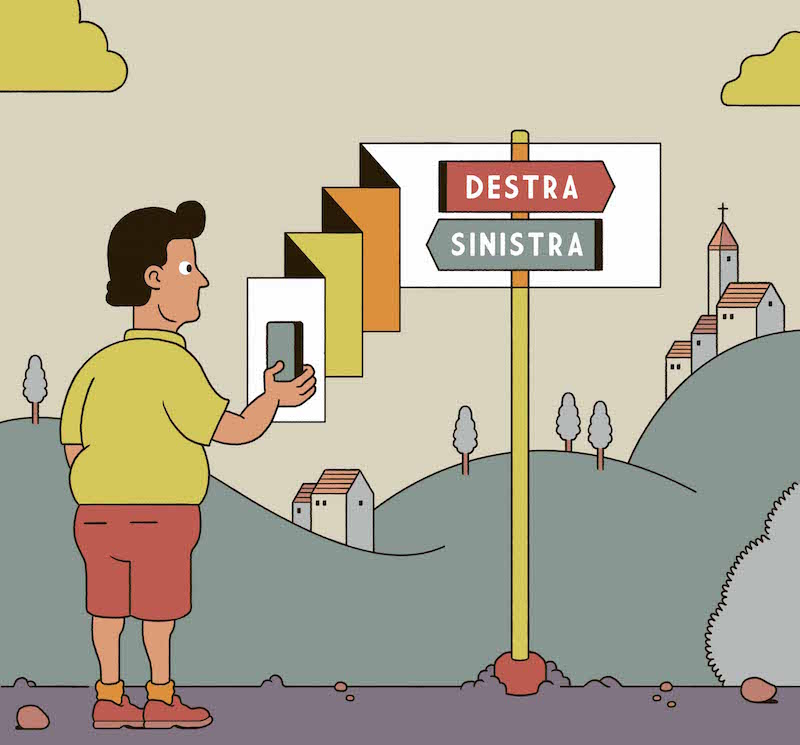
One way to use the app is to tap the camera icon, then hold your smartphone’s camera lens up to the words you want translated on, say, a street sign or a menu. In seconds the instant translation feature transforms the words on the sign into your desired language, virtual-reality style.
I don’t recommend using the camera option to read your horoscope in Vogue Japan, however, as I did on a recent trip there. Long blocks of tiny text have not been the app’s strong suit, as others before me have written.
Happily, the app is helpful in other ways. Say you’re asking for directions. You can speak, type or draw characters on your smartphone screen with your finger whatever it is you want translated. Then up pops what you just said or wrote in the other language (along with a transliteration if relevant) and an icon that you can tap to have the words spoken aloud in the foreign language. There’s also a nifty icon (a square with only its corners outlined) that allows you to make the translation fill your entire smartphone screen. Star a translation such as “Where is the bathroom?” by tapping the icon beside it, and it will be saved to a “starred” folder for easy access the next time you need it.
In the end, there’s no substitute for learning a language, or some vocabulary, in advance of a trip. Even knowing five words — “hello,” “thank you,” “please,” “sorry,” “goodbye” — shows locals that you’re making an effort. And they will be all the more willing to help you. No matter how short your flight, you certainly have time for that. — The New York Times